
Case study
arbitrr
Delivery intelligence for digital teams
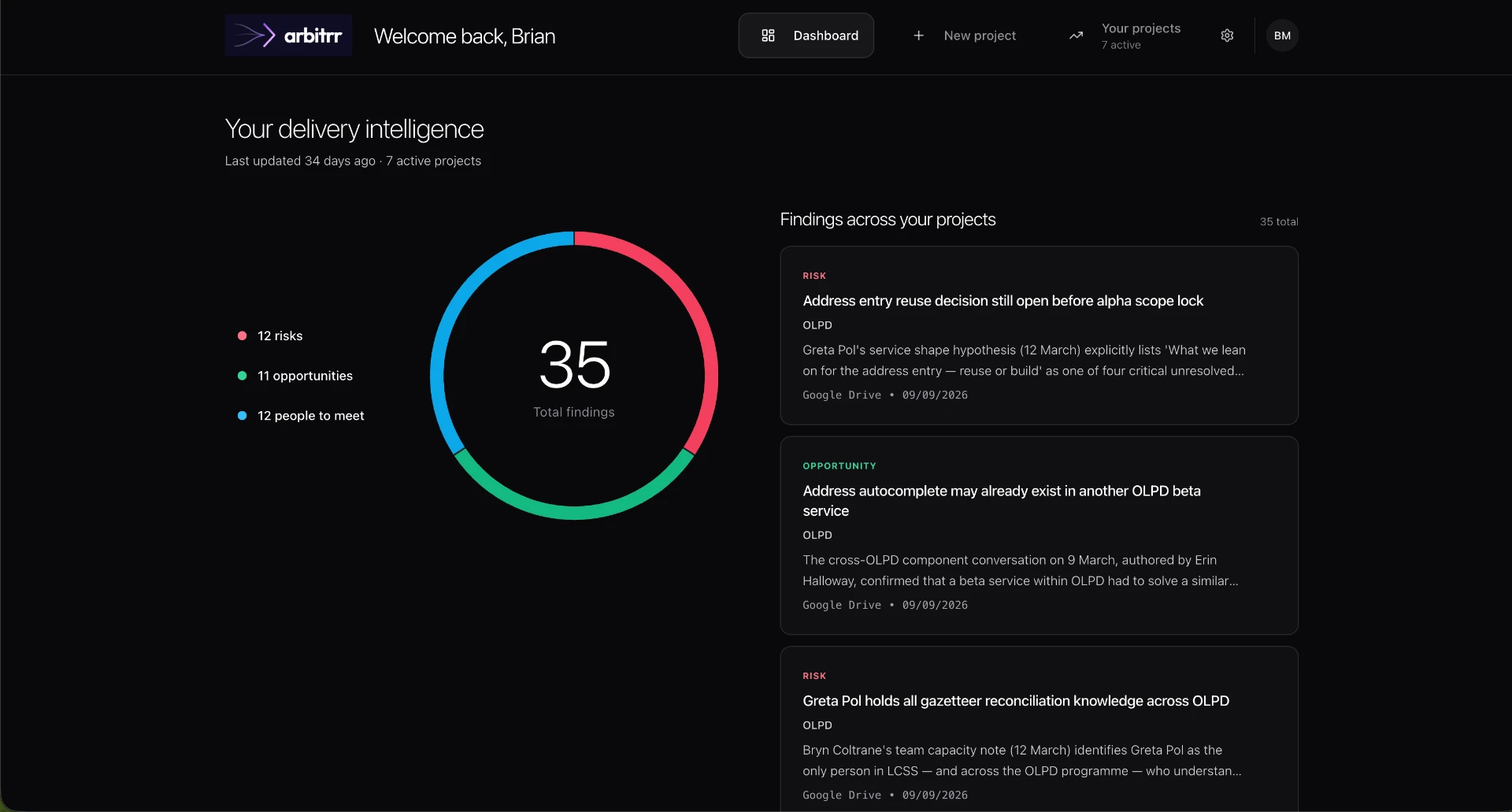
arbitrr connects to the tools delivery teams already use and, every night, finds the risks, opportunities and people they should know about. I researched, designed and built it myself, including the AI integration. Two years in the making.
- Role
- Research, design, build
- Timeline
- 2 years
- Status
- Live
The problem
Digital teams keep their knowledge in Jira, Slack, shared drives and Teams. Lessons learned on one project rarely reach the next, risks get spotted too late, and people working on the same problems in different teams never talk.
Delivery managers know the information exists somewhere. They just can't see it all at once.
The knowledge is there. Nobody can see it all at once.
Key design decisions
Building an AI product people actually trust meant making some deliberate choices.
Decision 1: Findings, not a feed
Most tools bury people in notifications. arbitrr shows a handful of findings worth acting on, sorted into three kinds: risks, opportunities and people to meet.
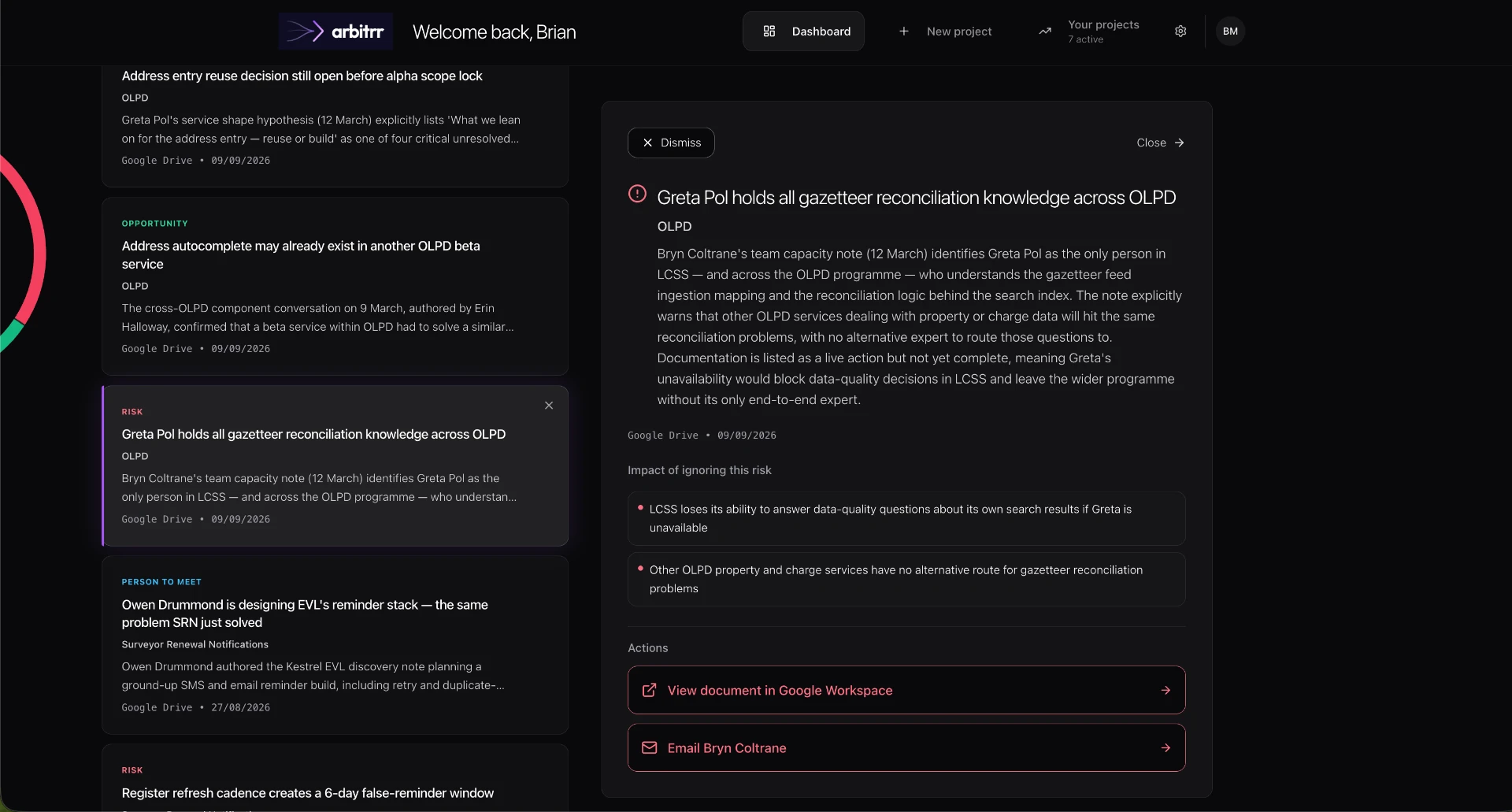
The findings feed with a selected risk open in the detail panel Decision 2: Show the receipts
People don't trust AI that can't explain itself. Every finding is backed by verbatim quotes from the real tickets, messages and documents it came from, one click away.
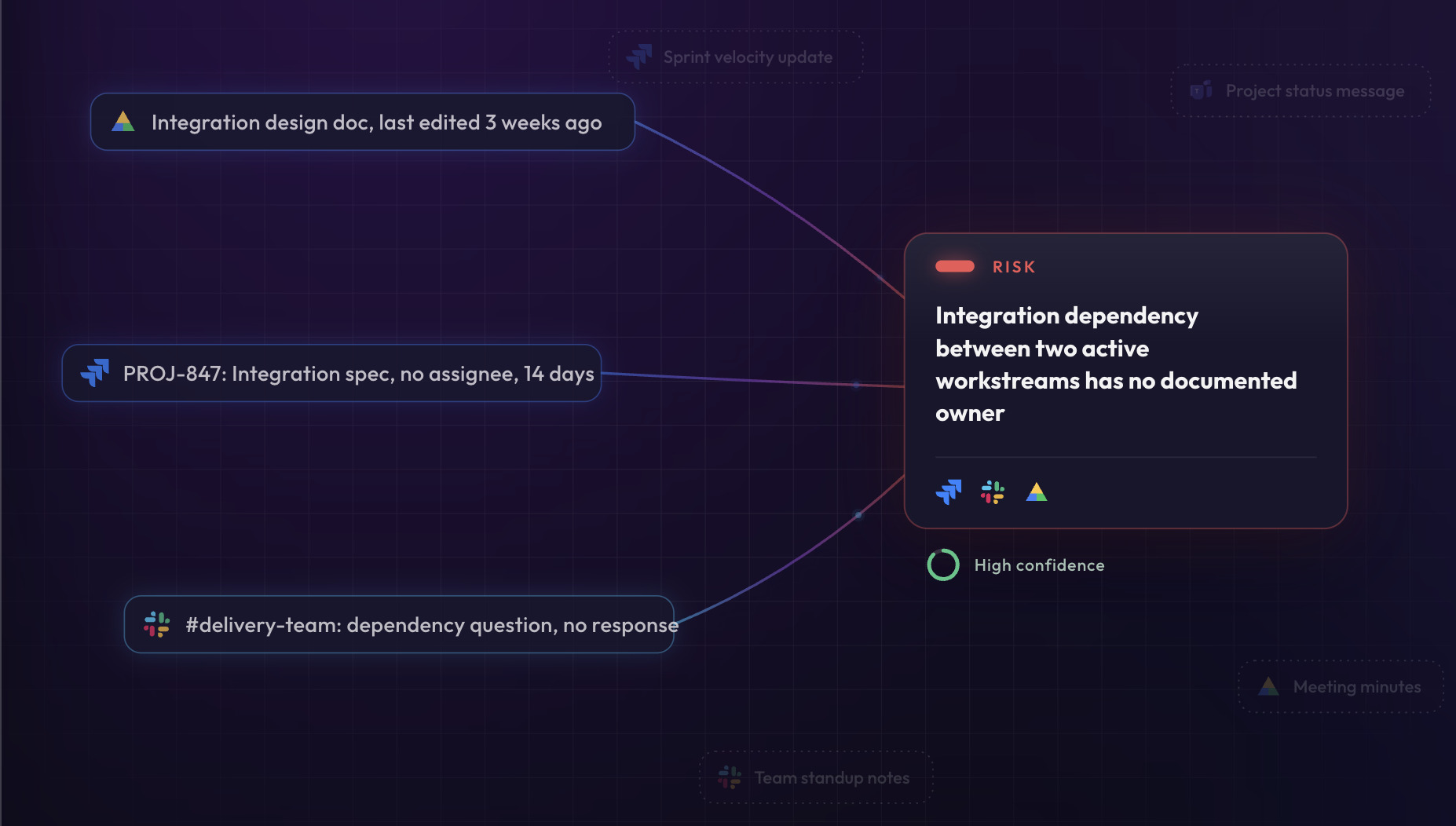
A risk shown with the document, ticket and message it came from Decision 3: Strict rules over clever AI
Findings that can't be traced back to a real source are thrown out before anyone sees them. arbitrr also never comments on individual people's performance. It's a tool for teams, not for surveillance.
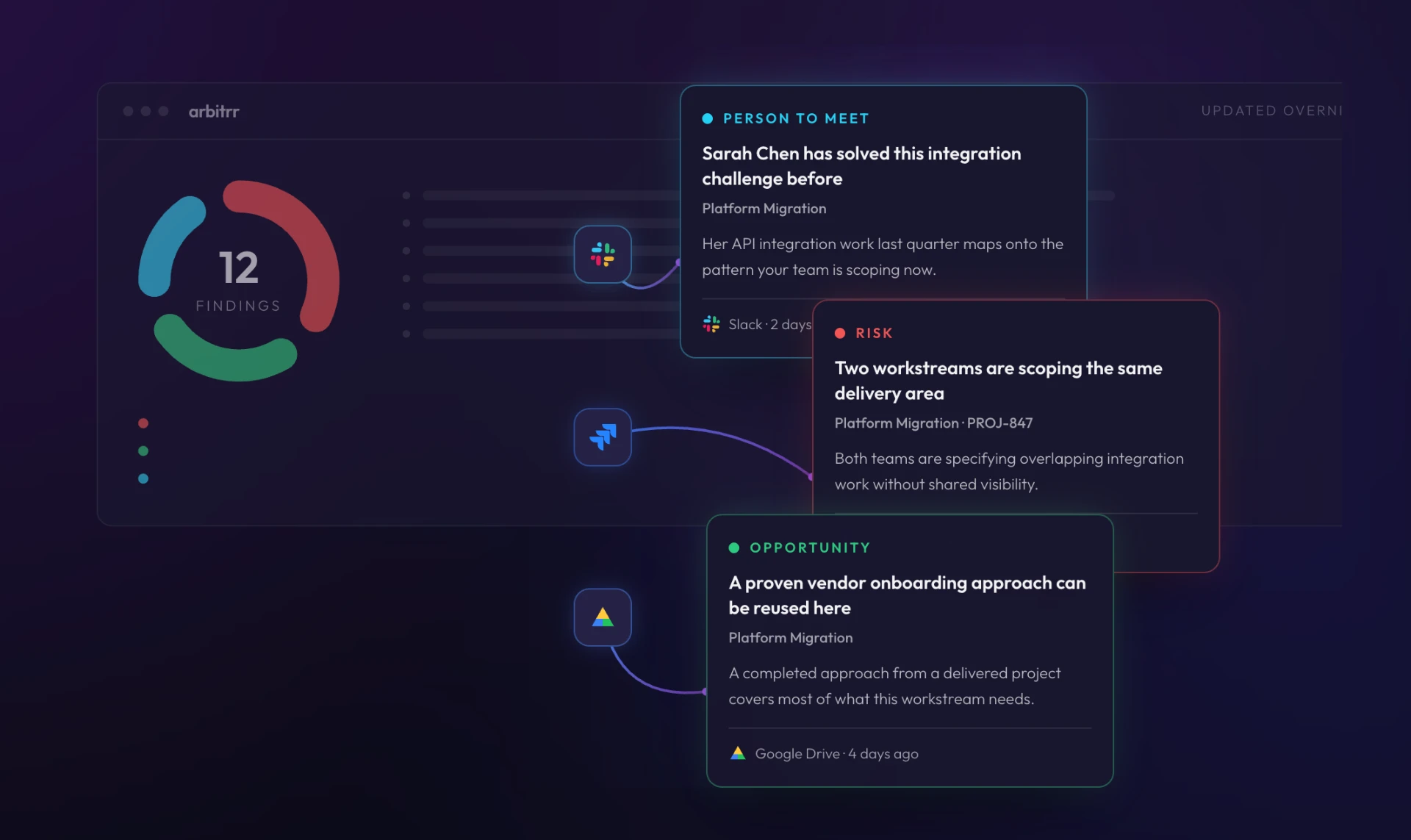
Every finding names the tool and date it came from Decision 4: People stay in control
Nothing happens without the user saying so. A Jira ticket is pre-filled but never created until it's confirmed. Dismissing a finding teaches arbitrr what that person doesn't need to see.
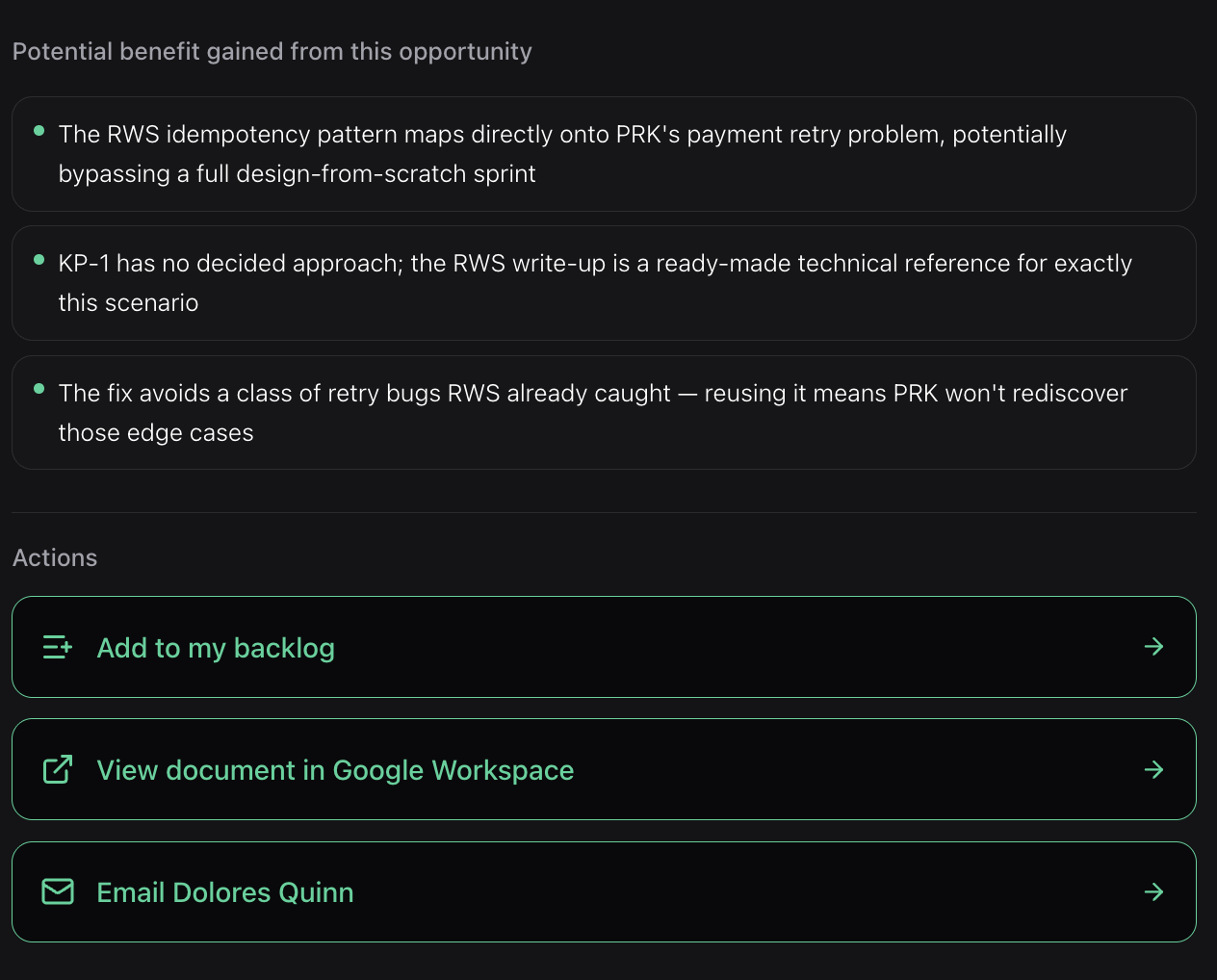
arbitrr suggests the next step; you decide whether to take it Decision 5: Writing the AI's words
The AI's writing follows content design rules: plain headlines, no invented numbers, and sources stated in plain sentences, like 'Tom raised it in Slack on 14 May', instead of metadata.
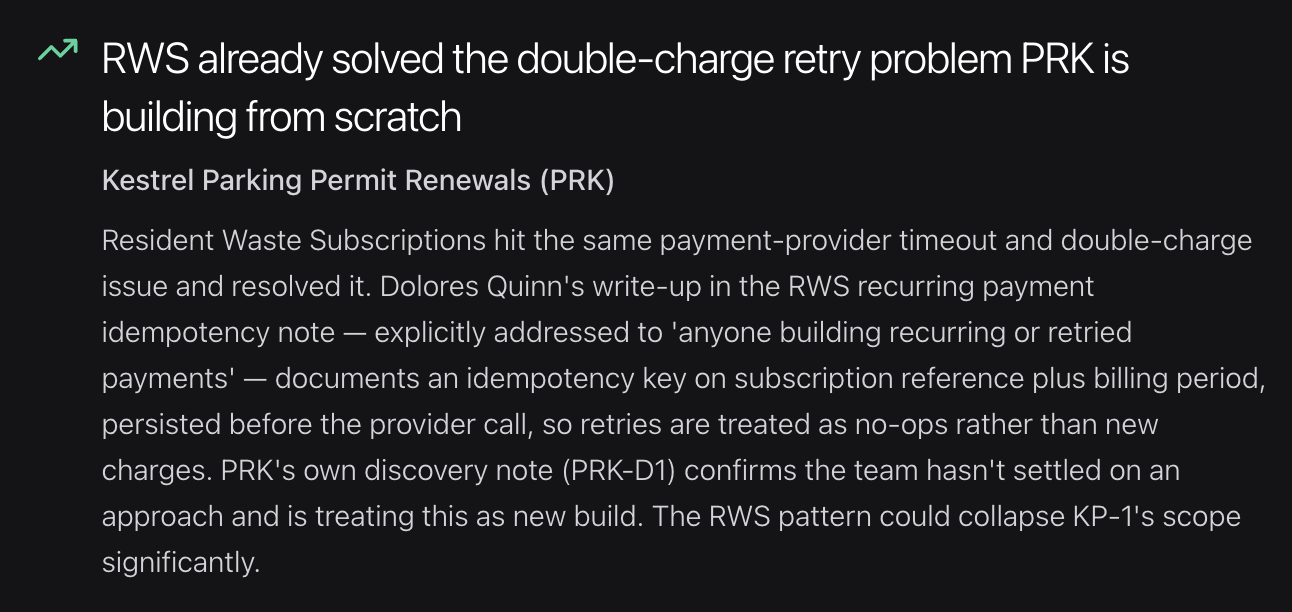
A finding in plain English, with its sources named in the sentence
Designed and built
I didn't hand designs to a development team. I took arbitrr from research through to a live product.
- Discovery
- Usability testing
- Prototype
- Requirements
- Build
Research
I interviewed industry experts and potential users during discovery, then ran usability testing on the early designs. What I learned shaped each round of changes.
Design
I turned the discovery findings into the product design in Figma, then built a full working prototype in Figma Make. That prototype became the basis for the product requirements.
Build
I built arbitrr from those requirements: the front end, the connections to Jira, Slack, Google Drive and Microsoft Teams, and the rules that decide which findings the AI surfaces and who sees them.
Where it is now
arbitrr is live. I'm now talking to organisations about using it, and looking for a development partner to help take it from a working product to software that can grow with its customers.
What's next
The aim is for arbitrr to become a standard tool for UCD and digital delivery teams, first in the UK and then further afield.
What this means for your project
Your website won't need an AI engine. But it will get the same approach: research before design, words people understand, accessible by default, and built properly so it lasts.
See how website projects work